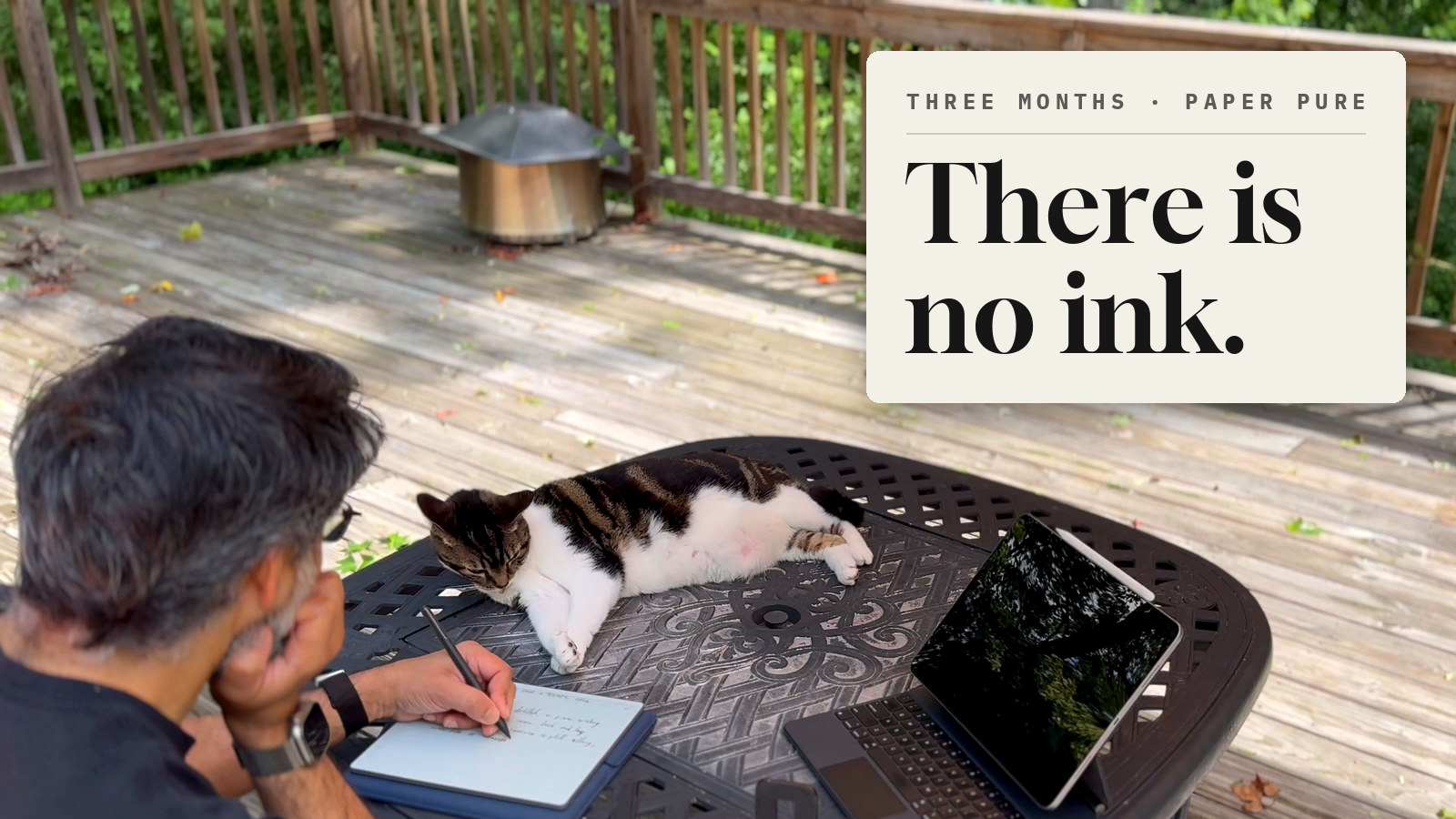
In the first day or two of using it, I caught myself blowing on the page to dry the ink.
There is no ink. It’s an e-paper tablet. But my hand had just done what it does after a line from my Sheaffer fountain pen on real paper, and my brain hadn’t caught up yet. That reflex told me more about the reMarkable Paper Pure than any spec sheet, and three months later it still holds.
The job I bought it for
One job: morning journaling. Outside on the deck, coffee, 20 – 50 minutes, before the workday starts. Long-form, by hand, usually with a cat trying to get between me and the page.
Everything below is measured against that job. If your job is different, such as annotating PDFs in meetings, sketching UI, or typing, weight this accordingly.
The writing
It feels real. Not “good for a screen” real. Real enough that I compare it to the fountain pen, and it holds up. The friction is right, the Marker is light, and the eraser is on the other end of the pen, where it belongs, so flipping to fix a word costs nothing.
Bunny, our cat, has taken to resting a paw on it while I write, and occasionally threatening the screen with extended claws when the scratches stop. So far, no casualties.

The nib wears down, and that’s the point
The friction I keep praising comes from the nib, and the nib wears away as you write, a little like a pencil. I didn’t expect that. Within the first few weeks my strokes started skipping in spots, and I honestly couldn’t tell if the tip was already worn or if I was just pressing too hard. (I probably press too hard.)
By late July I was surprised how quickly it was going. That explains why a box of replacement nibs comes in the retail box, and why you can buy more. It also explains the feel: a tip that gives up a little of itself on every line is a big part of why writing on this thing feels natural rather than like plastic sliding on glass. The wear and the realism are the same feature.
One confession. The first time I went hunting for that box, the nib wasn’t the whole problem. I had switched from the calligraphy pen to the paintbrush, at its broadest stroke, and forgotten all about it.
A worn nib tells you when it’s done. By late September my writing felt like a leaky pen, heavy strokes everywhere. When I finally swapped it, the difference in shape was stark: the old tip worn round, the new one crisp. I could still get heavy strokes when I wanted them; they just weren’t all I got anymore. Two swaps in three months. It’s a consumable, the way ink is a consumable, and I’m fine with that.
The 20-minute test against Goodnotes
I wanted to know whether I was just enjoying a new toy, so on a Saturday at the end of August I did the thing honestly: put the reMarkable down, picked up the iPad, and journaled in Goodnotes with the Apple Pencil for twenty minutes.
It went better than I expected at first. Goodnotes has colors and a highlighter, and switching the scroll direction to vertical fixed my biggest early complaint about page flow. Then:
- Writing legibly took noticeably more effort. Glass is glass. The friction and pen feel are a real difference, not a preference.
- I erased far more, and often skipped the erase and lived with worse handwriting.
- The Apple Pencil is heavy compared to the reMarkable Marker. My hand, arm, and left shoulder were fatiguing inside the twenty minutes.
- Double-tap to switch to the eraser didn’t always take on the first try. I missed the physical eraser immediately.
- Under an umbrella, outdoors, the iPad still has gloss and glare. E-paper doesn’t.
I stopped at twenty minutes because I couldn’t do more. The verdict I wrote in the notebook that day: exhausting. The reMarkable stays.
Where it falls apart
That same morning I tried the other half of the promise: mixing media and working on one note across devices. I wanted to add two photos of Bunny to the entry from the reMarkable iPad app.
- Sync is slow. Five to ten minutes for a page of handwriting to appear in the iPad app; the web app was slower, more like fifteen to twenty. There’s no manual refresh or force-sync that I could find.
- I pasted two photos. One showed up. If the second was there, there’s no visible stacking to tell you.
- Moving an image on the iPad or web app wasn’t practical. It landed on top of my writing, and getting it out required selecting everything on the page, moving all of it, then isolating the image.
- The selection tool doesn’t autoscroll, and you can’t zoom out far enough on a long page to grab everything at once.
- The eraser briefly started laying down marks instead of lifting them. A trip into settings and back cleared it.
I lost about an hour of journaling time to that fight. My conclusion, written on the device: it’s amazing for handwriting. If you want mixed media and multi-device editing, you can’t, not practically. It isn’t real time, not even close.
The product lesson
This is the one we keep relearning in mobile. The Paper Pure wins the single-device moment completely and loses the multi-device moment completely. On the device, every interaction is immediate and physical. The moment the same note has to exist somewhere else, the experience drops from “paper” to “file waiting on a sync job,” and there’s no control in the UI to tell you where it is or to hurry it along.
What the reviews got wrong, for me
Most of the professional reviews dinged the Paper Pure for what it lacks: no backlight, no keyboard folio, no color. Engadget’s review leads with the missing backlight. All true. None of it lands on my job. I write in daylight. I don’t want to type on it. And the device that does have color and a backlight is the one I put down after twenty minutes.
That doesn’t make the reviews wrong. It makes them a different job. It’s the same pattern I wrote about with fitness apps: easy beats sophisticated.
Verdict
Buy it if you write by hand, in long sessions, and you want one device that does that and nothing else, well.
Don’t buy it if you want a notebook that lives on three devices and takes photos, PDFs, and handwriting in one flow. The iPad is that device, and it’s worse at the one thing this is for.
I’m keeping the reMarkable. Oh, and if you buy from reMarkable directly, they offer a 50-day risk-free trial. You even get a refund for the case, if you bought one. If you’re considering one, I highly recommend you try it.
I did happen to see one at Best Buy. It hadn’t been charged and wouldn’t power on, and I couldn’t get that same feeling of real writing I get on my own. Maybe hundreds of people handling a display unit makes a difference. Since the trial is risk-free, I’d recommend getting your own new one over trying one in a store.
Next
None of this journal would be searchable if it stayed on the device. The entry this review is drawn from was pulled off the reMarkable over USB and transcribed into Bear Notes by Claude, with the date, headings, and photo placeholders intact. That bridge is the piece I actually built, and it’s a follow up post.